Translate what you see and hear.
Foreign text in any app, translated in place. Foreign speech in videos or right next to you, captioned live. All on your device.
Free every day. No account needed.
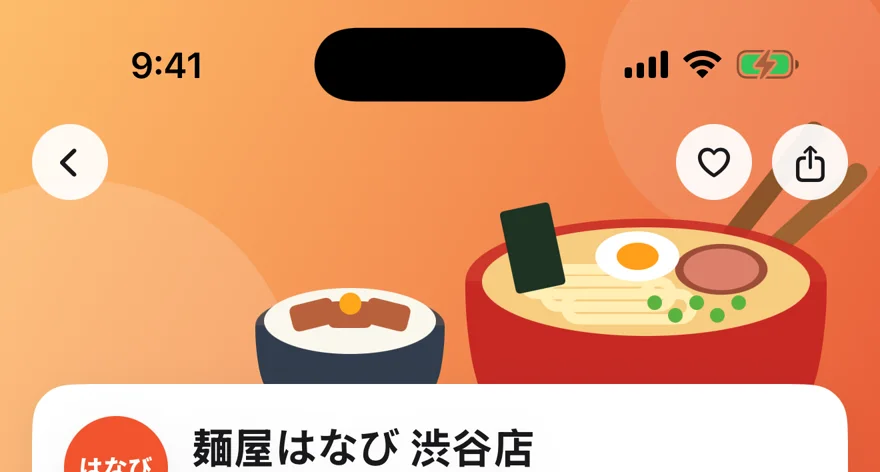


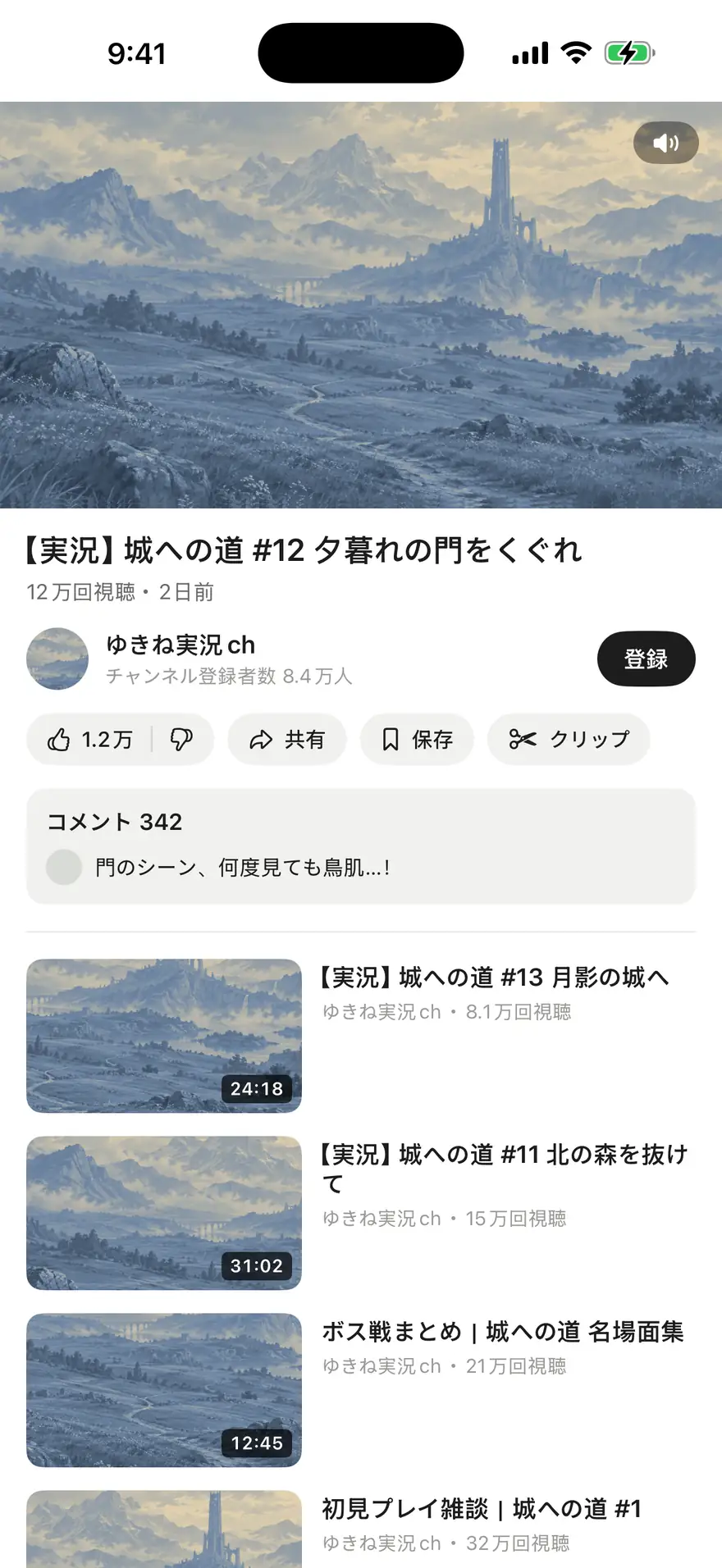
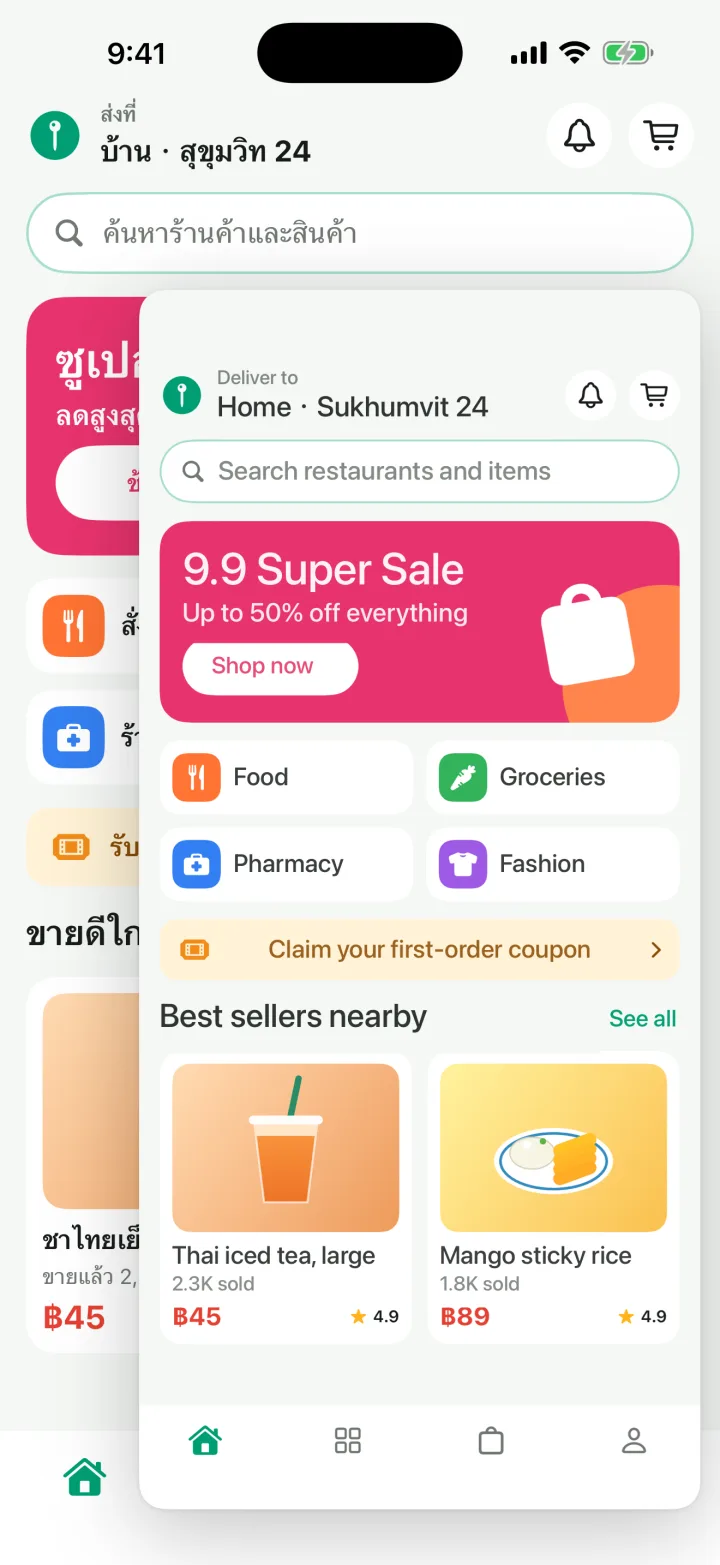
Drag the window. It translates what’s next to it.Sound playing on your phone, captioned as it’s spoken.
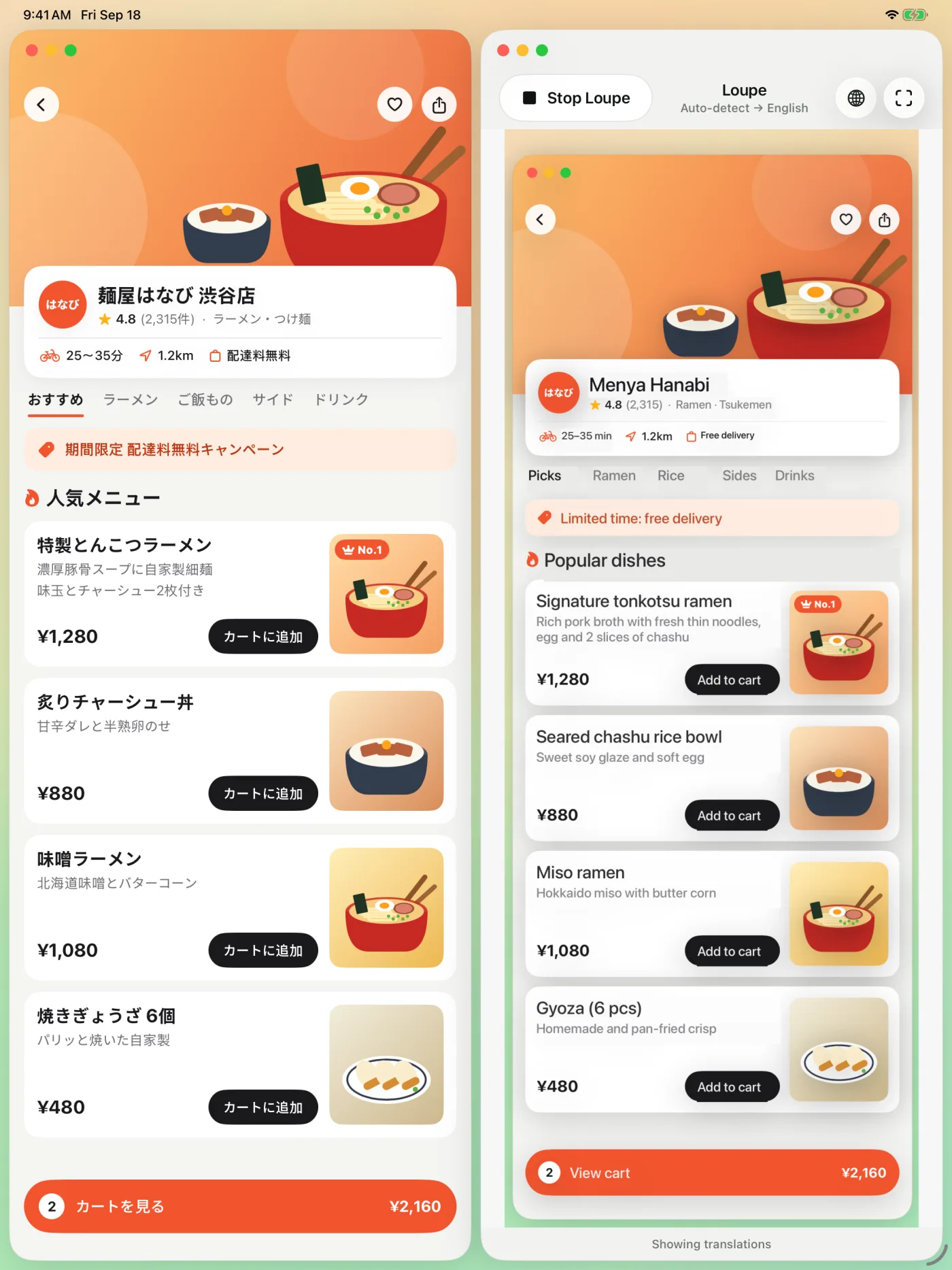
Food delivery. Shopping. Games. Videos and live streams.When an app or a video doesn’t speak your language, Loupe does.
- 日本語
- English
- 한국어
- Español
- 简体中文
- Français
- ไทย
- Deutsch
- 繁體中文
- Tiếng Việt
- Italiano
- العربية
- Português
- Bahasa Indonesia
- Русский
- हिन्दी
- Nederlands
- Türkçe
- Polski
- Українська
How it works
Three steps.
Pick your languages
Download a language pack once. Loupe detects the language on screen.
Start Loupe
Choose Loupe in the Screen Sharing panel, then tap Start Sharing.
Switch to any app
A small window shows that part of the screen, translated in place.
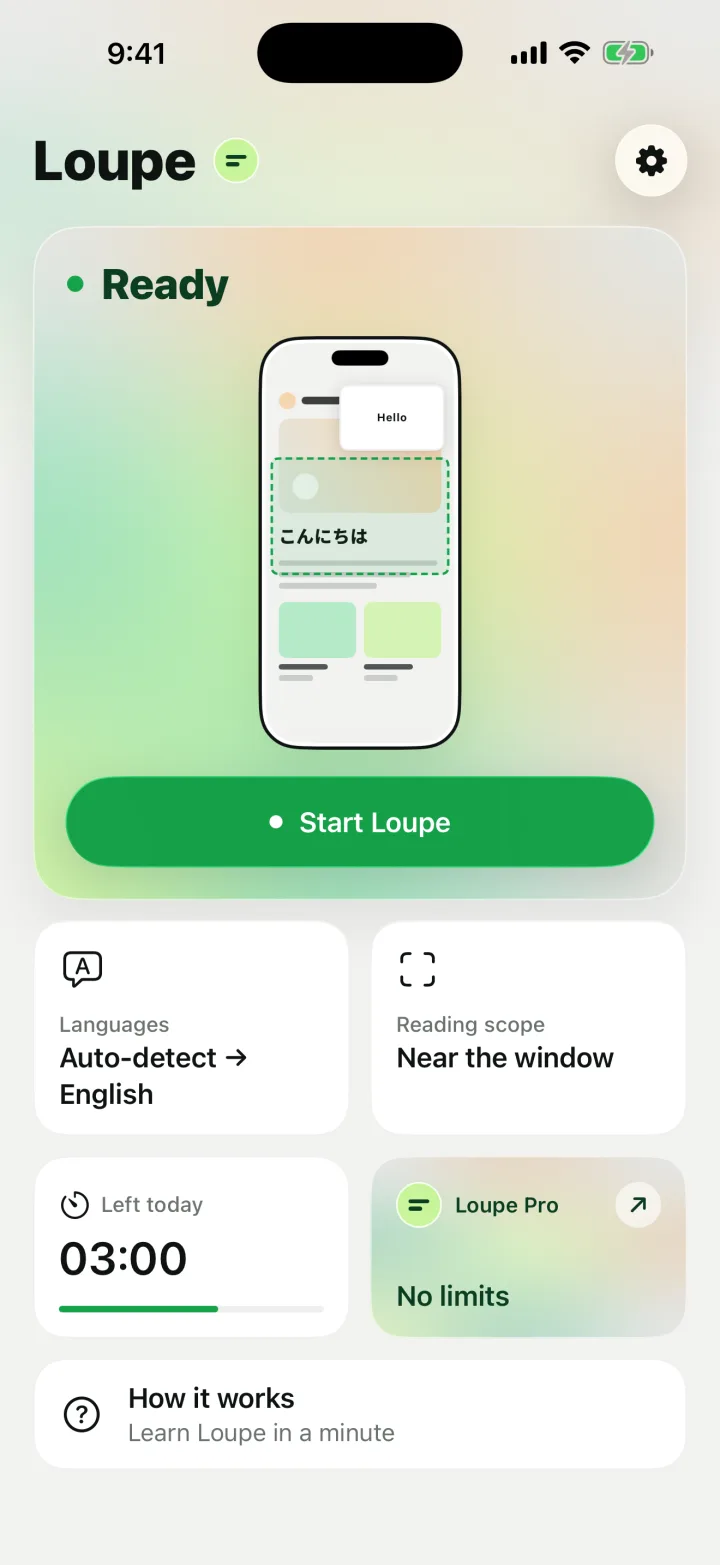
Reading scopes
Translate just what you need.
Four scopes. Switch any time.
Near the window
The area next to the window. One card or paragraph at a time.
Whole screen
The entire screen in a tall window. Enlarge it to read everything.
Fixed area
Mark a region before you start, like a game’s dialogue box.
LAN Live
Watch the translated screen in a browser on another device on the same Wi‑Fi.
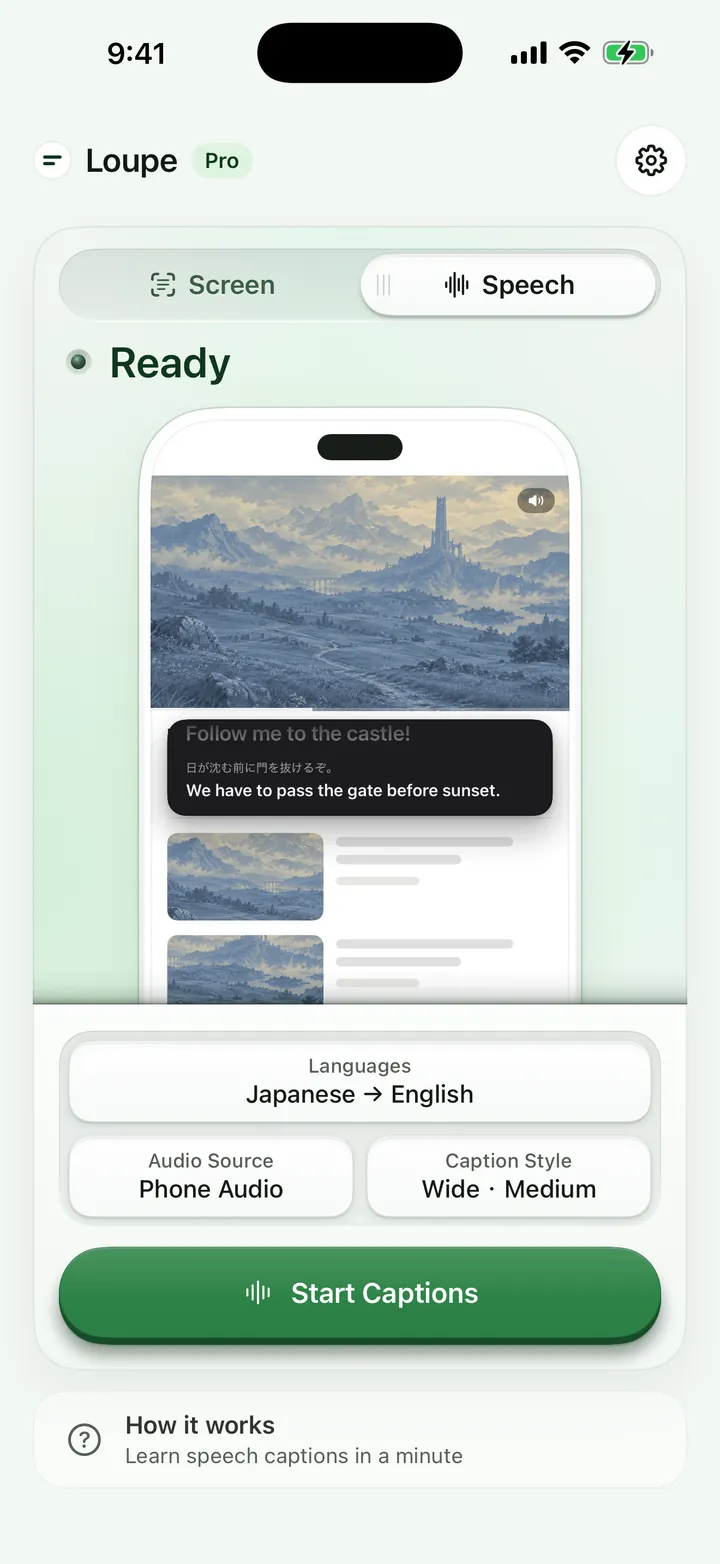
New · Speech captions
Live subtitles for what you hear.
Videos, live streams, classes and podcasts as they play, or the people talking around you, captioned in your language. Switch to Speech at the top of Home, pick an audio source and the spoken language, then tap Start Captions or Start Listening.
Two audio sources
Phone Audio hears what other apps play, without the microphone. Nearby Speech uses the microphone for conversations, talks and tours.
Recognized on device
Audio is never recorded, saved or uploaded. Each language’s speech model comes from Apple, once, after you confirm.
Your caption style
Pick the window’s shape and text size. Show the translation, both lines, or the original only.
Keep every session
Each session is saved on your device. Look back, copy, or export TXT, SRT or Markdown. Never uploaded; delete anytime.
Free within the same 5 minutes a day as screen translation; Loupe Pro has no time limit. Subtitle mode, under Display, is for screen translation: it shows translated on-screen text as a large-type panel.
On iPhone Duo
Unfold, and Loupe fills the screen.
On the inner display, Loupe keeps tools in the side bar and works in Split View. Fold, unfold or rotate, and you stay on the same page.
On iPad
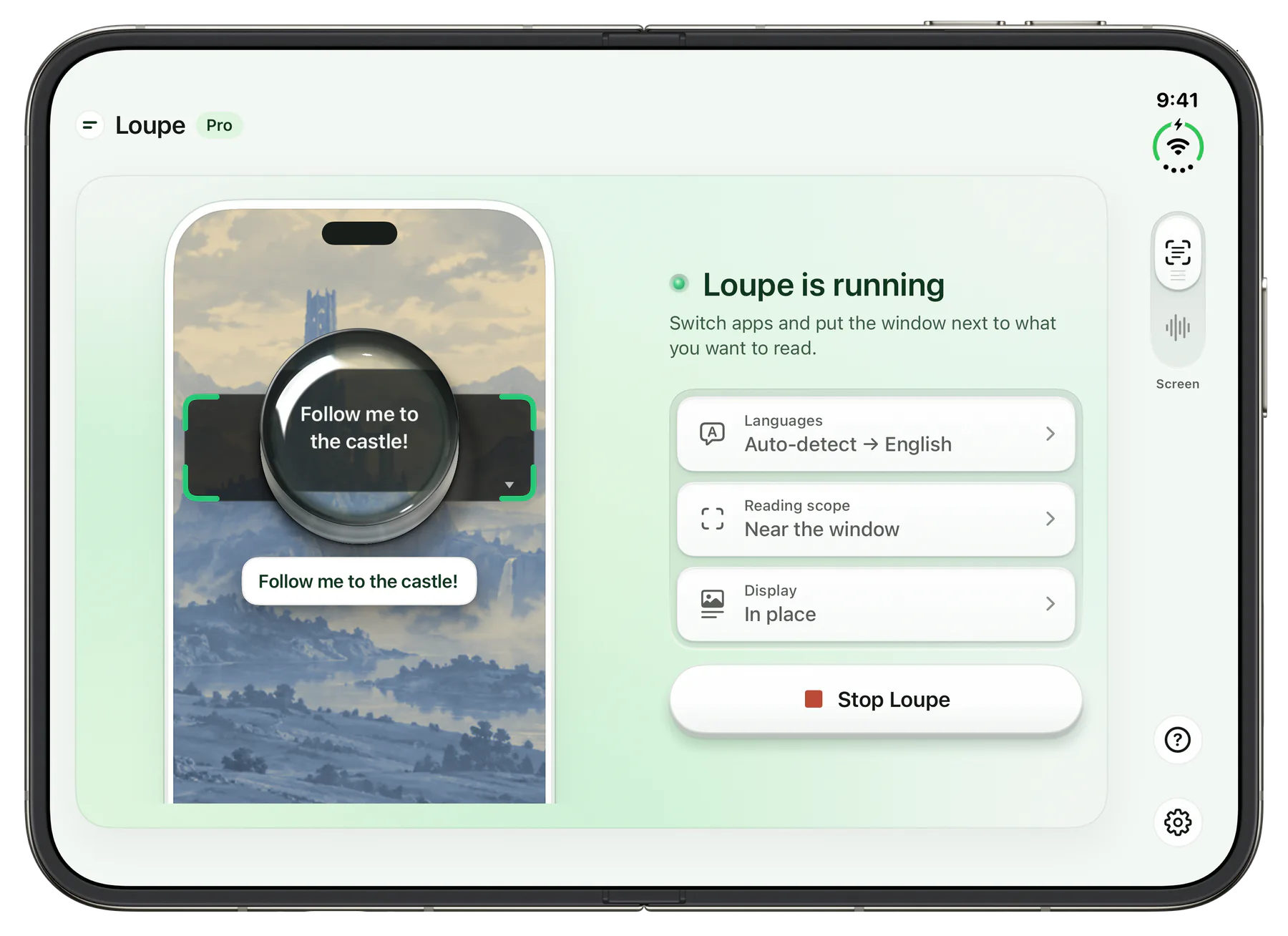
Your window is the lens.
With Windowed Apps or Stage Manager, put Loupe beside the app you’re reading. When that app goes full screen, Loupe follows as Picture in Picture.
Private by design
Your screen and sound stay on your device.
On-device
Text and speech recognition and translation run on your iPhone or iPad.
Never stored
Your screen and sound are never uploaded, and never saved as screenshots or recordings.
No account
No sign-up, no ads, no tracking.
Works offline
Once a language pack is downloaded, no network is needed.
LAN Live, only when you turn it on, sends the translation to devices on your local network: as images, or as text when Display is set to Subtitles. It never passes through our servers.
Pricing
Free every day. Pro when you need more.
Free
$0
No account needed
- All four scopes, translations in place
- Works offline
- Works on iPhone and iPad
Loupe Pro
From $1.99
No daily limit
- Everything in Free
- Unlimited translation and speech captions
- Subtitle mode, original alongside
US pricing; varies by region. Subscriptions renew until canceled.
Questions
What does Loupe do?
Loupe translates what you see and hear in other apps on iPhone and iPad. Text on screen is translated in place and shown in a Picture in Picture window. Speech in videos and live streams, or from people next to you, becomes live captions.
Does it work with games, manga and webtoons?
Yes. Loupe reads the screen of whichever app is open, so it works with mobile games, visual novels, manga and webtoon apps, social media and foreign shopping or delivery apps, with no built-in browser needed. Apps that block screen recording may appear black. On iPhone, use it in portrait for now; landscape games are coming in the next update. iPad works in both orientations.
How do I get live subtitles for a video that has none?
Switch to Speech, choose Phone Audio, pick the spoken language and tap Start Captions, then go back to your video. Loupe listens to the audio your apps play instead of the microphone, so room noise stays out.
Is my screen or sound uploaded? Does it work offline?
By default, nothing is uploaded: recognition and translation happen on your device, so it keeps working without a connection once the languages are downloaded. There are no accounts, ads or coins.
Which languages are supported?
You can translate the languages supported by Apple's on-device translation, including Japanese, Korean, Chinese, English, Spanish, French, German, Thai and Vietnamese. The app itself is available in 14 languages.
Is it free?
Yes. All reading scopes and Speech captions are free for 5 minutes a day, with no account. Loupe Pro removes the limit and adds Subtitle mode, as a monthly, yearly or one-time purchase.
Read any app. Follow any video.
Screen translation and speech captions, free every day. iPhone and iPad.
Download on the App Store